AI Launch Calendar Template: Plan a Product Launch Fast
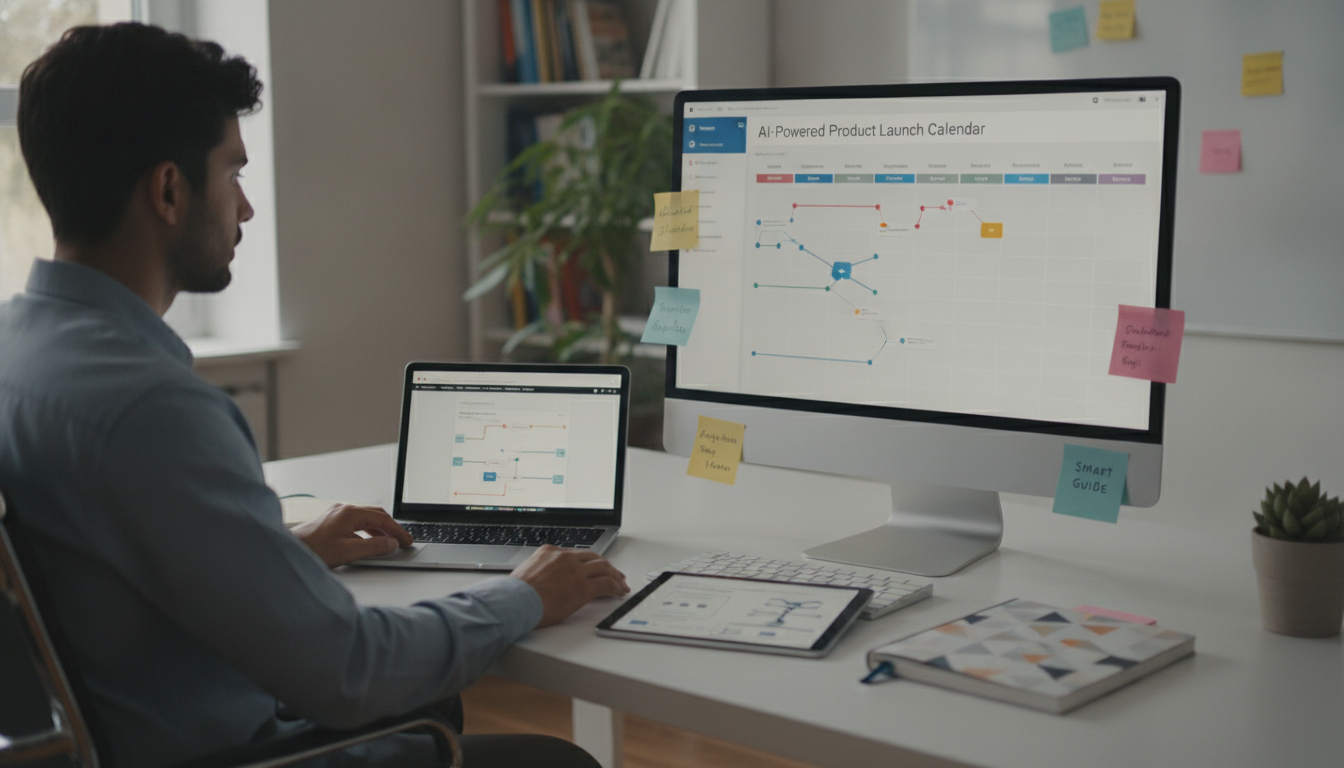
AI-Powered Product Launch Calendars: A Practical Planning System for Founders and Marketers
A launch calendar only works when it matches real constraints: team capacity, channel timing, and the sequence of assets that must be ready before announcements go live. A practical system makes dependencies obvious (what must happen first), assigns clear owners, and builds in checkpoints so work doesn’t pile up the day before launch. With AI, the calendar becomes easier to draft and revise—without losing the human judgment required to keep timelines realistic. For more guidance, see Free Marketing Calendar Templates in All Formats.
What a launch calendar needs to accomplish
A strong launch calendar is more than a list of dates. It should function as the operational backbone of the launch across product, marketing, and support.
- Create a single source of truth for dates, owners, dependencies, and channel-specific deliverables.
- Translate a launch goal (revenue, signups, pipeline, waitlist) into a sequence of milestones and assets.
- Prevent bottlenecks by making approvals, reviews, and production time visible.
- Align marketing, product, and support around the same narrative and timing.
- Provide a framework for measuring what happened (and what to change next time).
If you’ve ever “launched” with a great announcement but an unfinished landing page, broken tracking, or unprepared support responses, the missing piece wasn’t effort—it was a calendar that reflected the true order of operations.
Inputs to gather before AI creates a plan
AI can generate a draft schedule quickly, but it needs the right inputs to avoid fantasy timelines. Collect these before you ask for a plan:
For a helpful baseline on turning a plan into a workable schedule, PMI’s overview of project scheduling emphasizes sequencing, dependencies, and realistic duration estimates—core principles that apply directly to launches: Project Management Institute (PMI) — Project Scheduling.
Turn inputs into a timeline: the AI-assisted workflow
When translating milestones into tasks, a project plan template can help keep work organized across teams. Atlassian’s guidance on building a project plan is a solid reference point for clarifying roles, scope, and deliverables: Atlassian — Project Plan: How to Write a Project Plan.
Also, don’t treat tracking as an afterthought. If you’re using multiple channels, standardizing UTMs early prevents messy reporting later; Google’s documentation is the clearest reference: Google Analytics — About UTM parameters.
A sample 14-day AI-powered launch calendar (editable template view)
| Day | Milestone | Primary tasks | Owner | Notes/Dependencies |
|---|---|---|---|---|
| T-10 | Messaging lock | Finalize positioning, headline, 3 key benefits, objections | Marketing lead | Requires audience + offer inputs |
| T-9 | Landing page draft | Write page sections, FAQs, CTA flow | Copywriter | Messaging lock complete |
| T-8 | Creative direction | Define visual style, key screenshots, demo outline | Designer | Needs page structure |
| T-7 | Email sequence draft | Draft 3-email warm-up + launch email | Lifecycle marketer | Offer + CTA finalized |
| T-6 | Build + tracking | Publish landing page, set up analytics, UTMs, pixels | Web/ops | Requires copy + creative |
| T-5 | Demo asset | Record demo / assemble walkthrough, captions | Product/marketing | Creative direction approved |
| T-4 | Warm-up begins | Send warm-up email #1, schedule social posts | Lifecycle + social | Landing page live |
| T-3 | Partner/PR outreach | Send partner kit, pitch shortlist, community posts | Marketing lead | Press kit + angles ready |
| T-2 | QA + approvals | Check links, forms, checkout, mobile, deliverability | Ops + marketing | Buffer day recommended |
| T-1 | Final schedule lock | Schedule launch email + social + ads, confirm support coverage | Marketing + support | Ensure inbox/support macros ready |
| T0 | Launch | Send launch email, publish announcement, monitor performance | All hands | Real-time updates + issues log |
| T+1 | Optimization | Adjust subject lines/ads, update page based on objections | Marketing | Use early metrics and feedback |
| T+2 | Follow-up | Send follow-up email, post case/FAQ clarifications | Lifecycle + content | Address top 3 objections |
| T+3 | Retrospective setup | Export metrics, collect notes, schedule retro meeting | Ops | Prepare learnings doc |
Where AI helps most (and where it can mislead)
Make the calendar resilient: buffers, dependencies, and check-ins
Digital download: AI-Powered Product Launch Calendars
For a ready-to-use structure that turns goals into scheduled tasks, the AI-Powered Product Launch Calendars (digital download) is designed to speed up planning, reduce missed handoffs, and keep work visible from warm-up through follow-up. It’s especially useful for solo founders and small teams that need a repeatable system that fits inside simple tools like Notion, Google Sheets, Asana, or Trello.
Pair it with a faster brand system for consistent launch assets
If you want planning and brand consistency to reinforce each other, pair your calendar with AI-Powered Brand Magic: Craft Your Freelance Style Guide Fast to standardize voice, visual cues, and reusable components before the asset sprint begins.
FAQ
How far in advance should a product launch calendar start?
For a feature release, 2–4 weeks is often enough if assets are simple and approvals are light. For a new product or bigger campaign with partnerships, paid media, and multiple review steps, 6–12 weeks is more realistic—especially when you need audience warm-up and production time for demos or creative.
What should be included in a launch calendar besides dates?
Include owners, dependencies, asset links, approval steps, channel plans, tracking details (like UTMs), a QA checklist, support coverage, and post-launch follow-up plus a retrospective slot. The calendar should show what’s blocked, what’s ready, and who is accountable at every step.
How can AI help plan a launch without creating unrealistic timelines?
Use AI to draft milestones, deliverables, and checklists, then apply human constraints: capacity caps, buffers, dependency mapping, and QA gates. Keep the calendar iterative with scheduled check-ins so the plan adapts to real progress instead of forcing last-minute heroics.
















Leave a comment