-
Shop
- Advanced Technologies
- AI Skills
- AI Skills for Creators & Freelancers
- AI Client Management
- AI Ethics
- AI Mindset
- AI Tools & Prompts
- AI Writing & Content Creation
- Audio, Voice & Music
- Design & Visual Creation
- Email, Messaging & Communication
- Freelancing & Business
- Marketing, Ads & Conversion
- Productivity, Workflow & Automation
- SEO & Search Optimization
- Social Media Content & Growth
- Strategy, Planning & Analytics
- Video Creation & Editing
- Apple Accessories
- Bathroom
- Beauty
- Best-Sellers
- Car Accessories
- Car Buying & Ownership
- Confidence
- Dating & Social Skills
- Digital Resources
- Education & Learning
- Family & Parenting
- Fashion
- Alexander McQueen
- Bags
- Balenciaga
- Blazers
- Bottega Veneta
- Brunello Cucinelli
- Burberry
- Chanel
- Chloé
- Dior
- Dolce & Gabbana
- Dresses
- Etro
- Fendi
- Gucci
- Jacquemus
- Jil Sander
- Kiton
- Luggage
- Miu Miu
- Off-White
- Outerwear
- Prada
- Rick Owens
- Saint Laurent
- Shoes
- The Row
- Tom Ford
- Valentino
- Valentino Garavani
- Versace
- Vivienne Westwood
- Fashion Accessories
- Furniture
- Gadgets
- Health & Beauty
- Health & Wellness
- Home Decor
- Home Electronics
- Home Styling & Organization
- Home Supplies
- Kids & Babies
- Kitchen
- Legend Footwear Brands Collection
- Lighting
- Luxury Brands Collection
- Online Business for Beginners
- Parenting & Child Development
- Patio, Lawn & Garden
- Personal Growth
- Personal Style & Fashion
- Pet Care
- Pet Lifestyle & Wellness
- Pet Supplies
- Pets
- Smart Amazon Shopping
- Smart Home Living Guides
- Super Deals
- Travel
- Travel & Adventure
- Wealth
- Wellness
- Popular
- Best deals
Universal Stylus Pen: How to Turn It On (Active vs Passive)
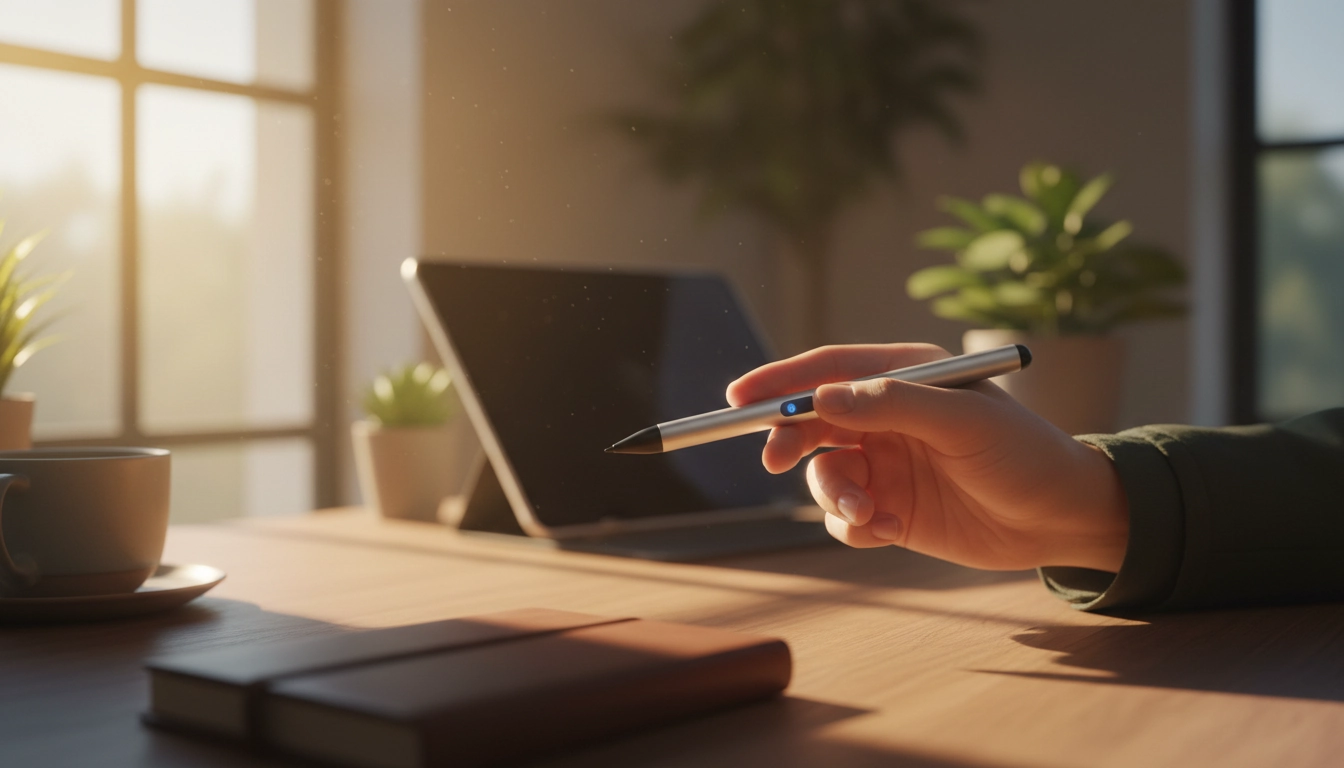
How do I turn on the universal stylus pen?
How you “turn on” a universal stylus depends on the type you have. Some styluses are passive (no battery), so there’s nothing to power on. Others are active (battery-powered), and they need a quick start-up step before they’ll write smoothly on a compatible touchscreen.
1) Confirm whether your stylus is passive or active
If your stylus has no charging port, no indicator light, and no buttons, it’s likely a passive capacitive stylus—just tap the screen and start writing. If it has a power button, LED light, or USB charging, it’s an active stylus and must be powered on.
2) Charge it first (if it’s an active stylus)
A stylus that won’t turn on is often simply out of battery. Plug it in and charge for 30–60 minutes (or until the indicator shows it’s full). If the light never turns on while charging, try a different cable, adapter, or USB port.
3) Turn it on using the button or switch
Most universal active styluses power on by pressing and holding the top button for about 2–5 seconds. Some models use a small side switch instead—slide it to the ON position. Watch for an LED indicator to blink or change color, which usually confirms it’s on.
4) Pair it only if your model requires Bluetooth
Many “universal” styluses do not need Bluetooth pairing to write; they work as soon as they’re powered on. If yours includes shortcut buttons (like screenshot or page turn) or is labeled Bluetooth, open your tablet/phone’s Bluetooth settings and pair after turning the stylus on.
5) If it still won’t work, check tips and compatibility
Make sure the tip is screwed in firmly (or properly seated) and that any protective film on the tip is removed. Also confirm the stylus type matches your device: some active styluses only support capacitive touchscreens and won’t function on non-touch displays.
For model-specific details and extra troubleshooting, see the full guide here: https://journalle.com/how-do-i-turn-on-the-universal-stylus-pen/.
FAQ
How do I charge a universal stylus pen?
Connect it to its charging port (USB-C, Micro-USB, or a charging dock) and wait until the indicator light shows a full charge. If it doesn’t charge, try a different cable or power source and clean the port gently.
Recommended for you

Activate a Samsung S Pen: Pairing & Fixes
Aug 9, 2026
Spot a Real Fendi T-Shirt: Tags, Print, Fabric Tests
Aug 10, 2026













Leave a comment