-
Shop
- Advanced Technologies
- AI Skills
- AI Skills for Creators & Freelancers
- AI Client Management
- AI Ethics
- AI Mindset
- AI Tools & Prompts
- AI Writing & Content Creation
- Audio, Voice & Music
- Design & Visual Creation
- Email, Messaging & Communication
- Freelancing & Business
- Marketing, Ads & Conversion
- Productivity, Workflow & Automation
- SEO & Search Optimization
- Social Media Content & Growth
- Strategy, Planning & Analytics
- Video Creation & Editing
- Apple Accessories
- Bathroom
- Beauty
- Best-Sellers
- Car Accessories
- Car Buying & Ownership
- Confidence
- Dating & Social Skills
- Digital Resources
- Education & Learning
- Family & Parenting
- Fashion
- Alexander McQueen
- Bags
- Balenciaga
- Blazers
- Bottega Veneta
- Brunello Cucinelli
- Burberry
- Chanel
- Chloé
- Dior
- Dolce & Gabbana
- Dresses
- Etro
- Fendi
- Gucci
- Jacquemus
- Jil Sander
- Kiton
- Luggage
- Miu Miu
- Off-White
- Outerwear
- Prada
- Rick Owens
- Saint Laurent
- Shoes
- The Row
- Tom Ford
- Valentino
- Valentino Garavani
- Versace
- Vivienne Westwood
- Fashion Accessories
- Furniture
- Gadgets
- Health & Beauty
- Health & Wellness
- Home Decor
- Home Electronics
- Home Styling & Organization
- Home Supplies
- Kids & Babies
- Kitchen
- Legend Footwear Brands Collection
- Lighting
- Luxury Brands Collection
- Online Business for Beginners
- Parenting & Child Development
- Patio, Lawn & Garden
- Personal Growth
- Personal Style & Fashion
- Pet Care
- Pet Lifestyle & Wellness
- Pet Supplies
- Pets
- Smart Amazon Shopping
- Smart Home Living Guides
- Super Deals
- Travel
- Travel & Adventure
- Wealth
- Wellness
- Popular
- Best deals
Create Your Own Digital Planner: Simple Steps & Tools
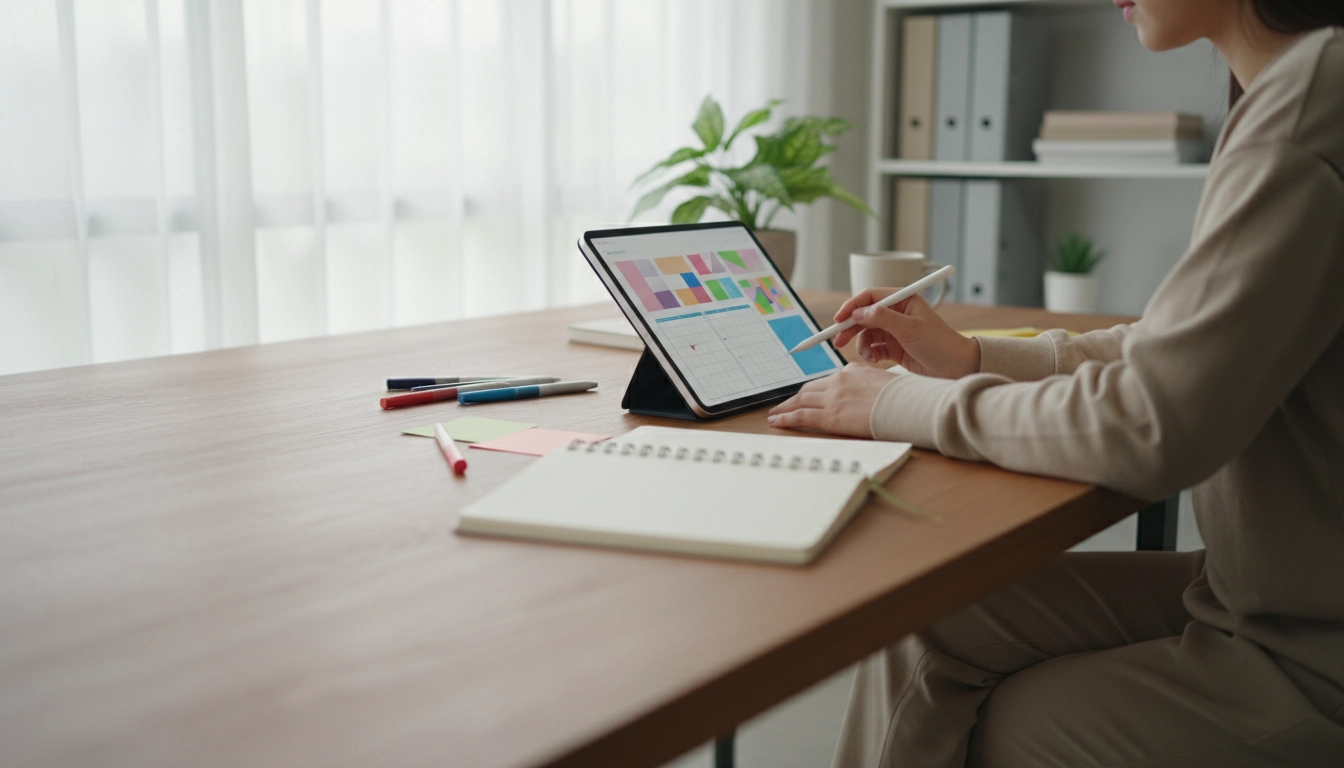
Can I create my own digital planner?
Yes—creating your own digital planner is completely doable, even without design experience. The easiest path is to start with a simple layout (monthly, weekly, and daily pages), then add only the features you’ll actually use, like checklists, habit trackers, and project sections.
First, decide where you’ll use it: a tablet note app (with a stylus), a PDF you annotate, or a spreadsheet-style planner. Most people choose a linked PDF planner because it feels like a real notebook while still letting you jump between sections quickly.
What you need to get started
Pick one tool and keep it simple: Canva, Google Slides, PowerPoint, Keynote, or a dedicated planner designer. Create your page size (often US Letter or A4), set a consistent grid, and build reusable components like headers, date boxes, and task lists. Once the core pages are done, duplicate them to create a full set.
How to make it actually useful (not just pretty)
A planner works best when it matches your real routine. Try building pages around moments that already happen: a quick morning plan, a midday check-in, and an end-of-day review. If you’re juggling freelance work or variable schedules, consider adding a “top three priorities” area, a time-block section, and a lightweight “next actions” list.
For a practical way to structure a morning planning flow—especially if you want to streamline decisions—see this guide to an AI-powered morning routine for freelancers. It can help you decide what pages and prompts your planner should include so it supports your day instead of adding friction.
Exporting and using your planner
Export your planner as a PDF. If you added internal navigation, ensure links are enabled in the export settings. Then import it into your preferred note-taking app (like GoodNotes or Notability) or any PDF markup tool. Test it for a week, note what you skip, and refine. The best custom planner is the one you’ll open every day.
FAQ
What’s the easiest app to build a digital planner?
Canva and Google Slides are popular because they’re drag-and-drop and easy to duplicate pages. If you want clickable tabs and consistent spacing, PowerPoint or Keynote also work well.
Recommended for you

Activate a Samsung S Pen: Pairing & Fixes
Aug 9, 2026










Leave a comment